

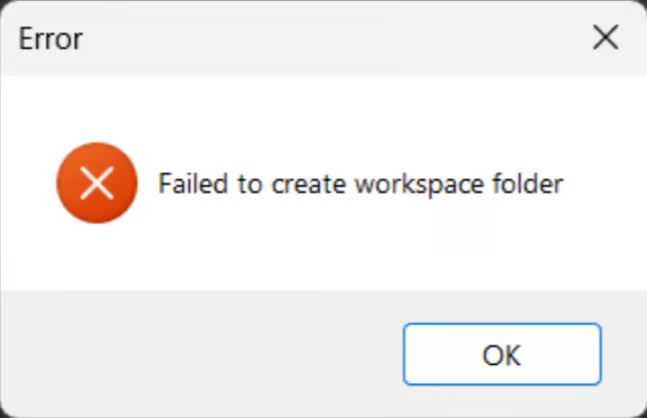
%LOCALAPPDATA% in the run dialog box and press enter. this will open a File Explorer window with the Local folder shown like this:
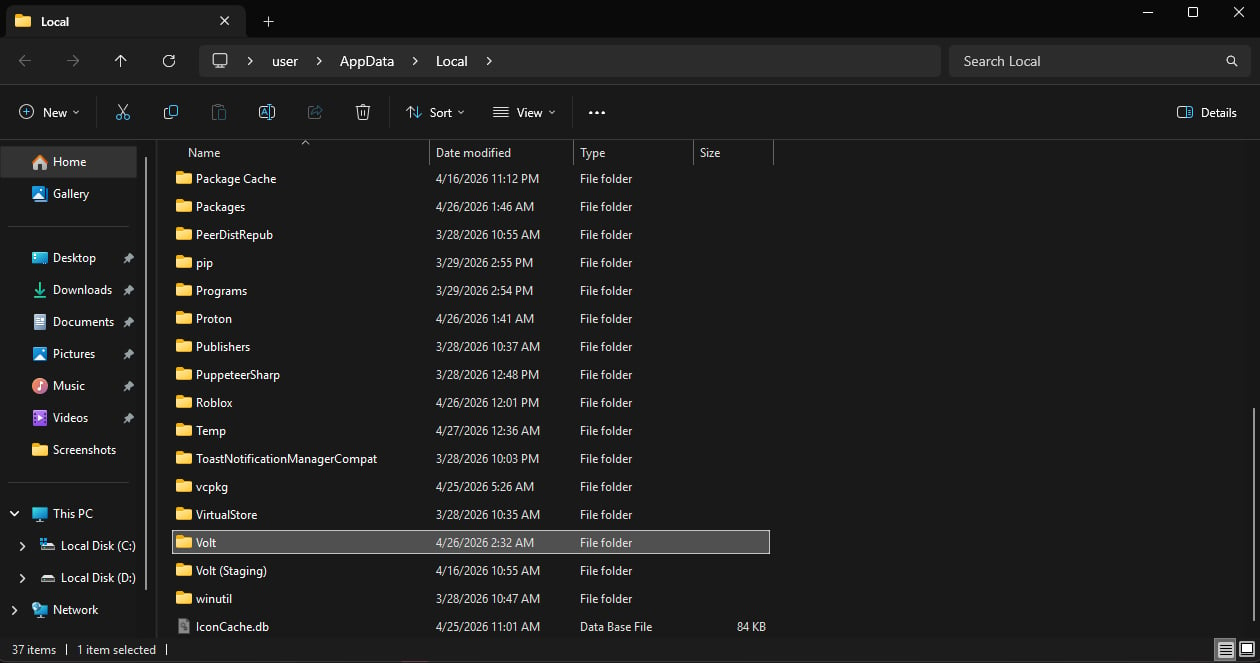
Volt folder in there (if you installed Volt somewhere else, go there.) and move the Volt folder to C:/ (C DRIVE):
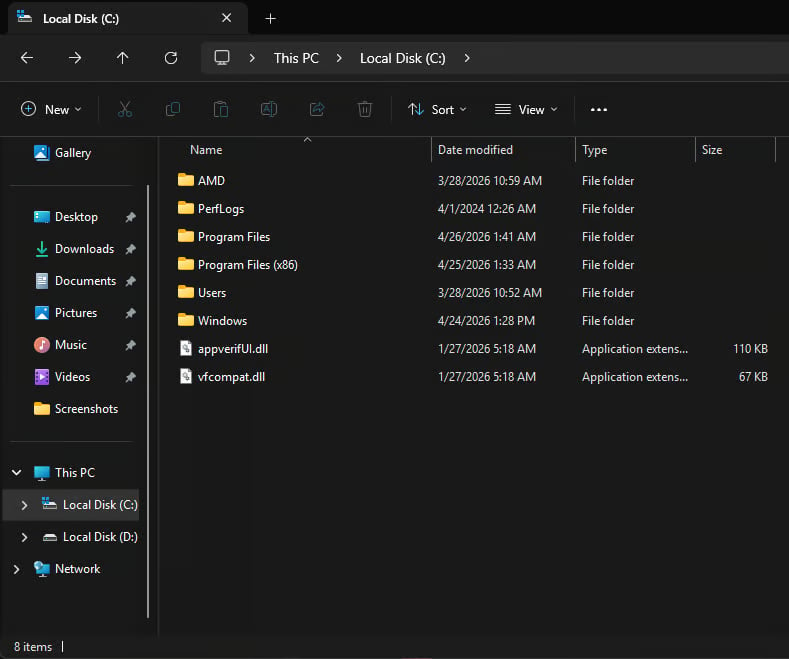
Volt folder there, make sure the Volt folder isnt in %LOCALAPPDATA% anymore (or whereever you installed volt). then open volt again and try to join a game now.