

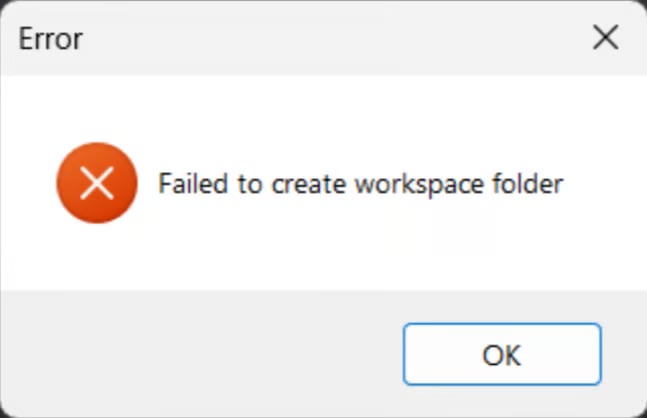
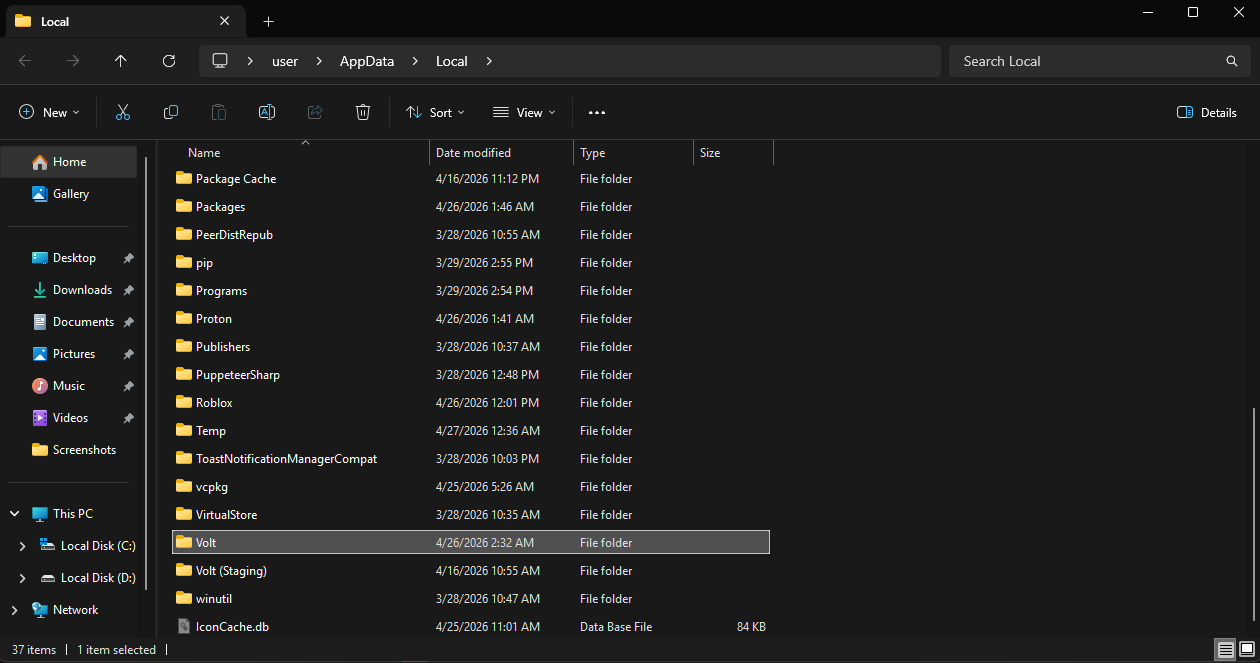
Volt app, and reinstall it from voltbz.net, if it still happens then try the 1.1.1.1 or proton-vpn guide
Next, in the Volt welcome page, scroll down and press Force LIVE Channel, once it finishes, press Uninstall in Volt Files, then press Install Now and install the volt files. then try to launch Roblox via the Launch button.