

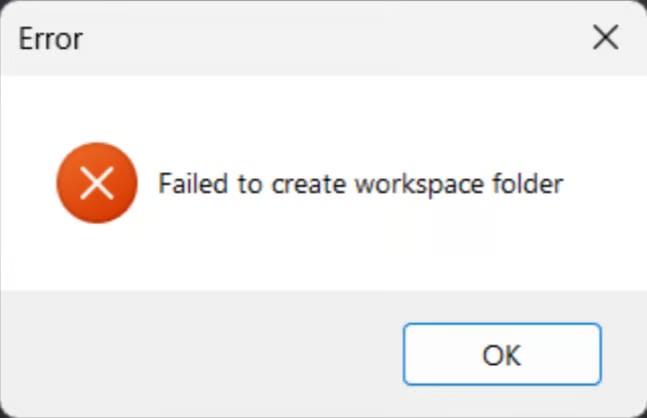
%LOCALAPPDATA%\Volt\cache\volt and press enter. you should see a page like this open
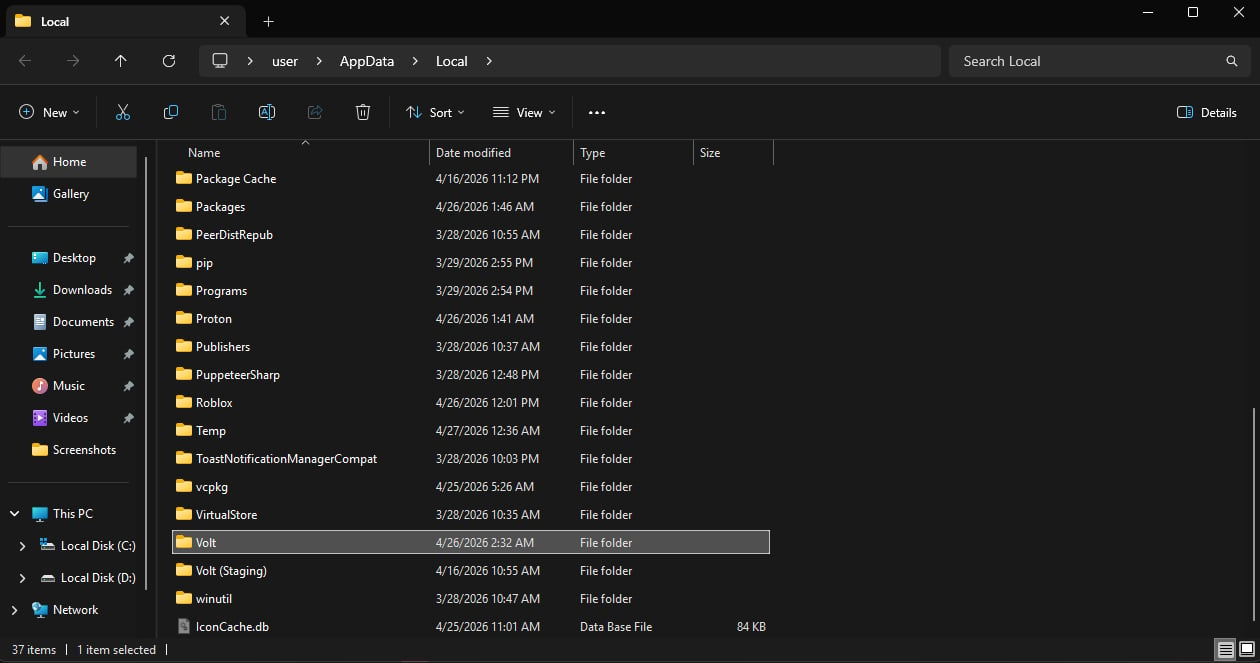
Force LIVE Channel, once it finishes. install your Volt files and try to launch Roblox again.%LOCALAPPDATA%\Volt\cache\volt and press enter. you should see a page like this open
Force LIVE Channel, once it finishes. install your Volt files and try to launch Roblox again.