> ## Documentation Index
> Fetch the complete documentation index at: https://docs.fixes.rcheatz.pro/llms.txt
> Use this file to discover all available pages before exploring further.
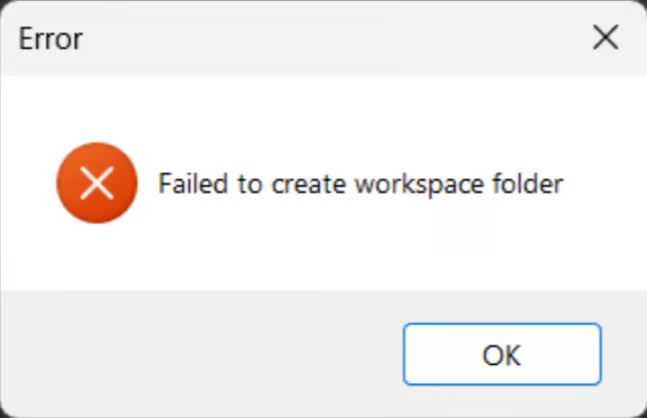
# Failed to create workspace folder
 **Close Volt and Roblox. press**
**win + r and type** `%LOCALAPPDATA% `**in the run dialog box and press enter. this will open a** `File Explorer `**window with the** `Local `**folder shown like this:**
**Close Volt and Roblox. press**
**win + r and type** `%LOCALAPPDATA% `**in the run dialog box and press enter. this will open a** `File Explorer `**window with the** `Local `**folder shown like this:**
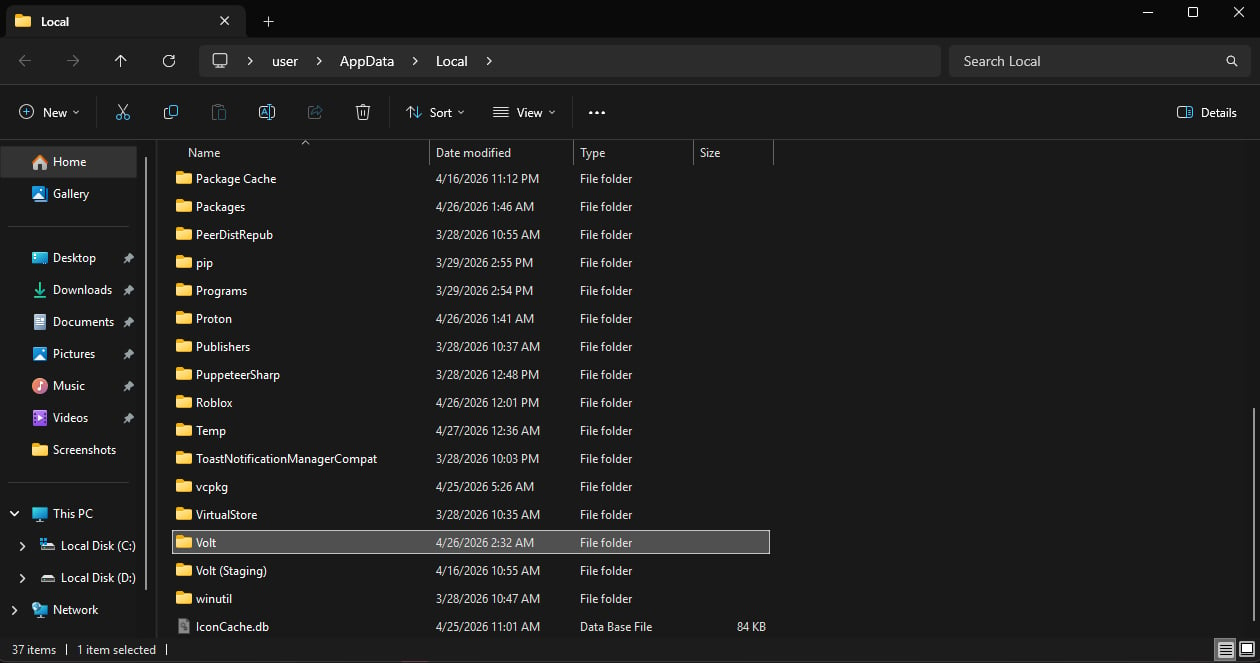 **Find your** `Volt `**folder in there (if you installed Volt somewhere else, go there.) and move the** `Volt `**folder to** `C:/ `**(C DRIVE):**
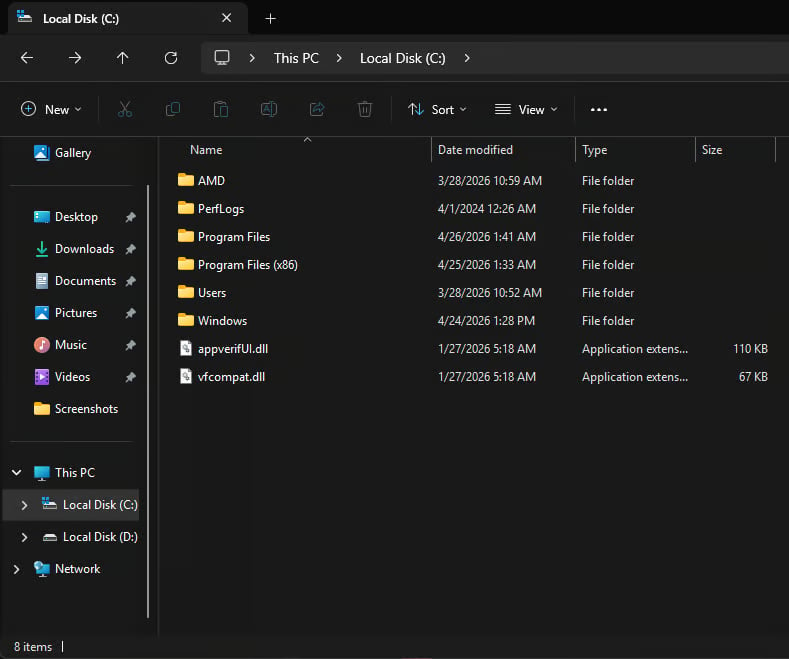 **Once you move the** `Volt `**folder there, make sure the** `Volt `**folder isnt in** `%LOCALAPPDATA% `**anymore (or whereever you installed volt). then open volt again and try to join a game now.**