> ## Documentation Index
> Fetch the complete documentation index at: https://docs.fixes.rcheatz.pro/llms.txt
> Use this file to discover all available pages before exploring further.
# volt.bin errors
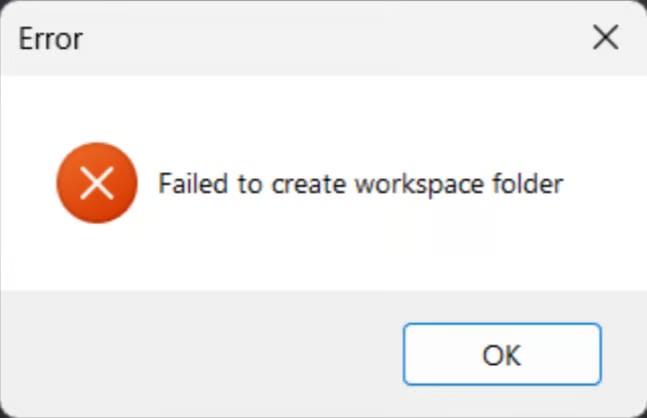 **or any similar ones. close your Volt and Roblox, then press**
**win + r and type** `%LOCALAPPDATA%\Volt\cache\volt `**and press enter. you should see a page like this open**
**or any similar ones. close your Volt and Roblox, then press**
**win + r and type** `%LOCALAPPDATA%\Volt\cache\volt `**and press enter. you should see a page like this open**
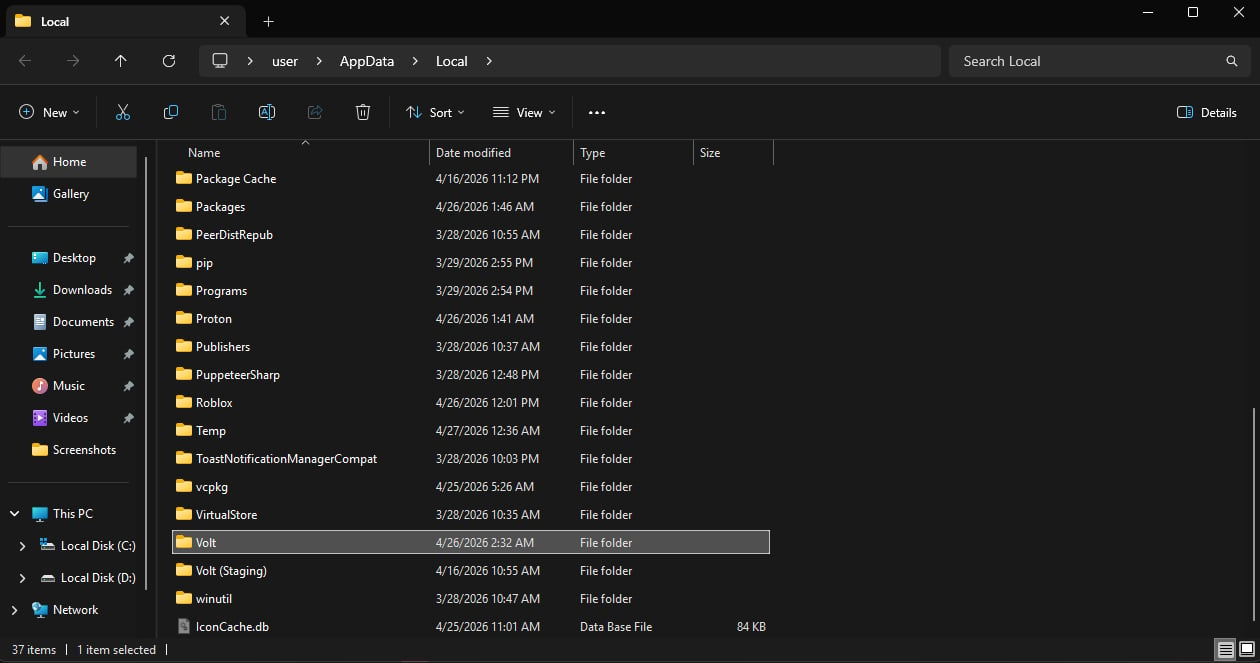 **delete all the files in that page and reopen Volt, then scroll down in Volt and press** `Force LIVE Channel`**, once it finishes. install your Volt files and try to launch Roblox again.**