> ## Documentation Index
> Fetch the complete documentation index at: https://docs.fixes.rcheatz.pro/llms.txt
> Use this file to discover all available pages before exploring further.
# failed to fetch
if you get this in volt:
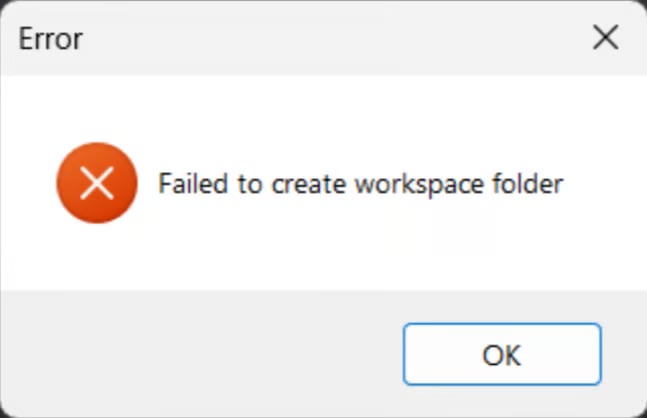
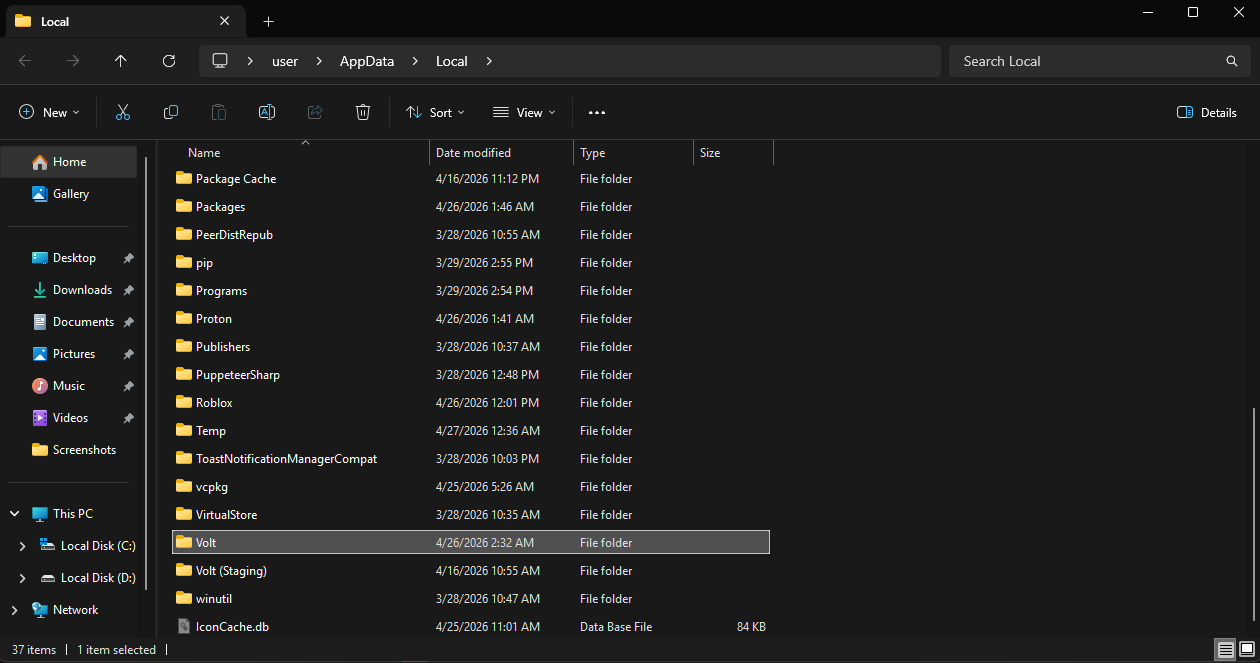 **Then do this: uninstall your current** `Volt `**app, and reinstall it from [voltbz.net](http://voltbz.net), if it still happens then try the [1.1.1.1](https://one.one.one.one/) or [proton-vpn](https://protonvpn.com/free-vpn/windows) guide**
**Next, in the** `Volt `**welcome page, scroll down and press** `Force LIVE Channel`**, once it finishes, press** `Uninstall `**in** `Volt Files`**, then press** `Install Now `**and install the volt files. then try to launch Roblox via the** `Launch `**button.**
**Then do this: uninstall your current** `Volt `**app, and reinstall it from [voltbz.net](http://voltbz.net), if it still happens then try the [1.1.1.1](https://one.one.one.one/) or [proton-vpn](https://protonvpn.com/free-vpn/windows) guide**
**Next, in the** `Volt `**welcome page, scroll down and press** `Force LIVE Channel`**, once it finishes, press** `Uninstall `**in** `Volt Files`**, then press** `Install Now `**and install the volt files. then try to launch Roblox via the** `Launch `**button.**